AI assistant for your wallet

Put your wallet
on autopilot

See everything pulling from your account, plus the cashback and perks your card already offers.

See everything pulling from your account, plus the cashback and perks your card already offers.

By submitting your email, you agree to our Terms and Privacy Policy.

mubalil apps
mubalil apps
icon

Apple

Subscriptions

$5.99

20 Oct 2026

icon

Apple

Subscriptions

$5.99

20 Oct 2026

icon

Spotify

Subscriptions

$8.99

21 Aug2026

icon

Spotify

Subscriptions

$8.99

21 Aug2026

How it works

Connect once. See everything. Confirm what you want.

How it works

Connect once. See everything. Confirm what you want.

How it works

Connect once. See everything. Confirm what you want.

01. Connect your card

Link a card or bank through Plaid, and your email if you want the fuller picture. Signing in with Apple or Google takes about a minute.

NEW VOLUME SALES

01. Connect your card

Link a card or bank through Plaid, and your email if you want the fuller picture. Signing in with Apple or Google takes about a minute.

NEW VOLUME SALES

01. Connect your card

Link a card or bank through Plaid, and your email if you want the fuller picture. Signing in with Apple or Google takes about a minute.

NEW VOLUME SALES

02. See what's attached

Every transaction comes back with something attached: cashback or a perk your card already offers, a subscription you'd forgotten, or a bill that's gone up.

Transaction

02. See what's attached

Every transaction comes back with something attached: cashback or a perk your card already offers, a subscription you'd forgotten, or a bill that's gone up.

Transaction

02. See what's attached

Every transaction comes back with something attached: cashback or a perk your card already offers, a subscription you'd forgotten, or a bill that's gone up.

Transaction

03. Confirm, and we act

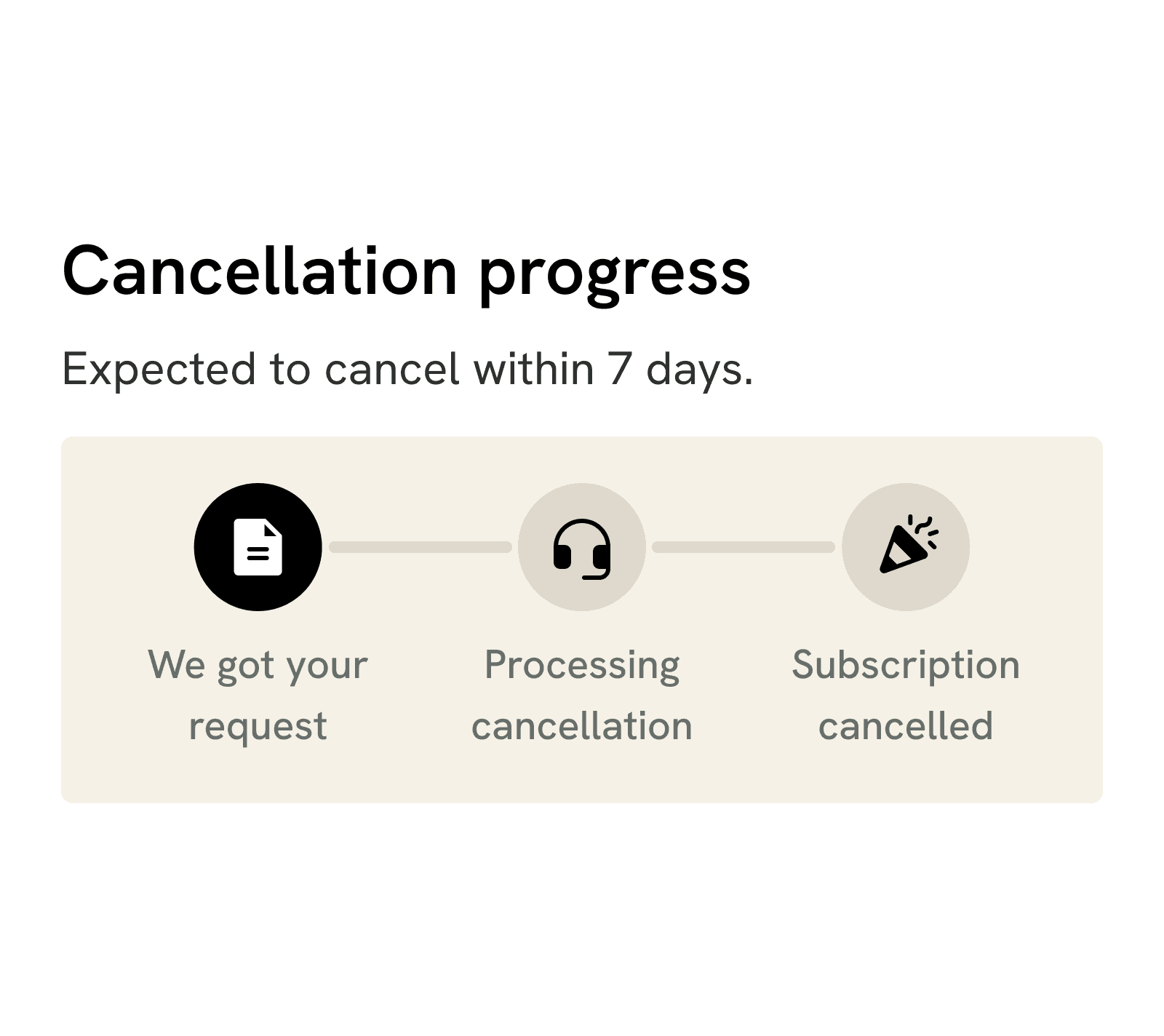
Cancel it, claim the refund, or get the bill lowered. Nothing happens to your money until you confirm.

03. Confirm, and we act

Cancel it, claim the refund, or get the bill lowered. Nothing happens to your money until you confirm.

03. Confirm, and we act

Cancel it, claim the refund, or get the bill lowered. Nothing happens to your money until you confirm.

What you get

What shows up on your screen

What you get

What shows up on your screen

What you get

What shows up on your screen

icon

Perks you already have

Your card offers benefits on some of what you buy. We show them next to the transaction, with the conditions.

icon

Warned before it renews

Price rises, unfamiliar charges, an intro offer about to convert. You hear about it before the money moves.

mubalil phone APPS
icon

Everything that's recurring

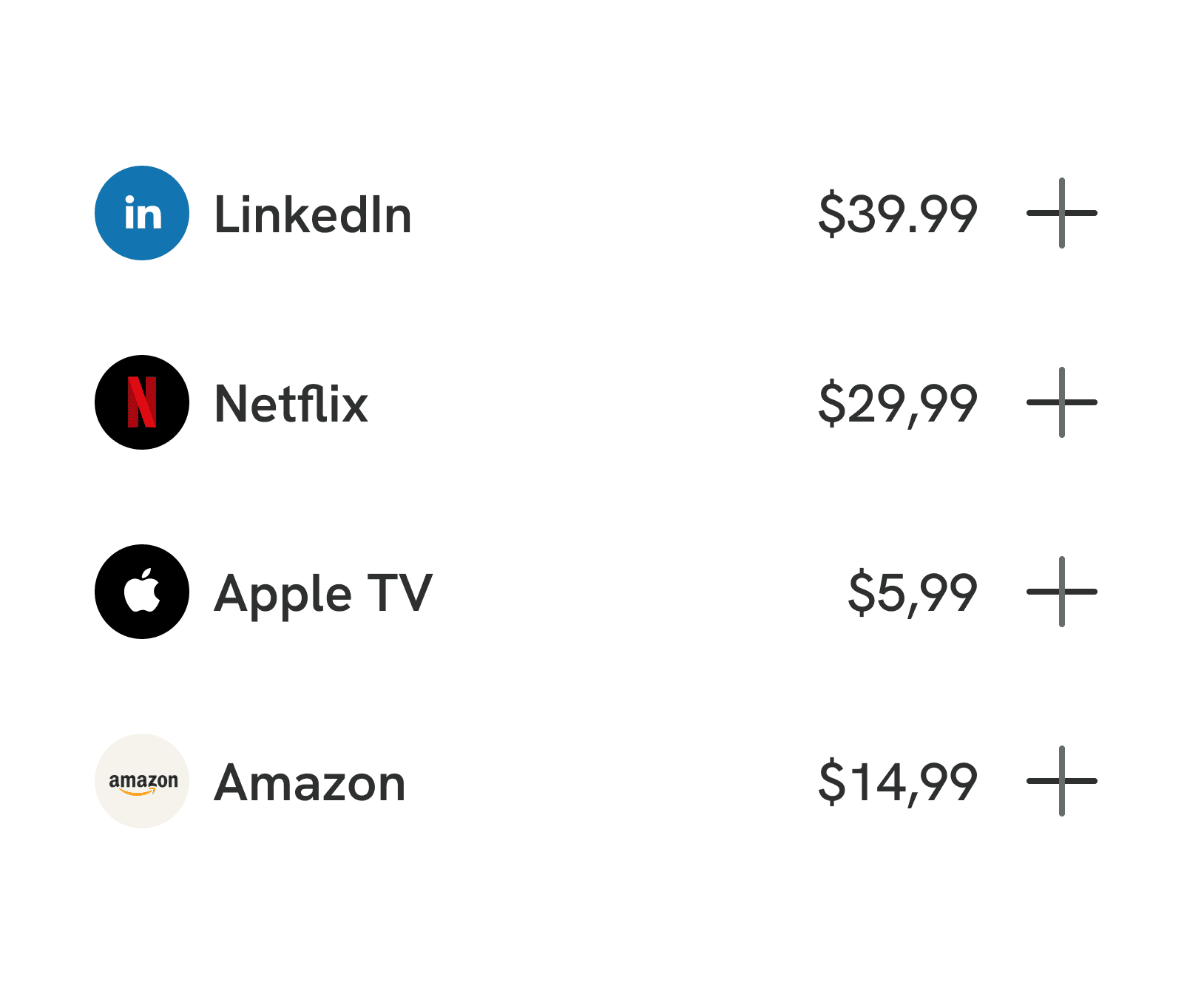
Subscriptions, recurring bills, duplicates. Found from your bank and your email together.

icon

What's left to spend

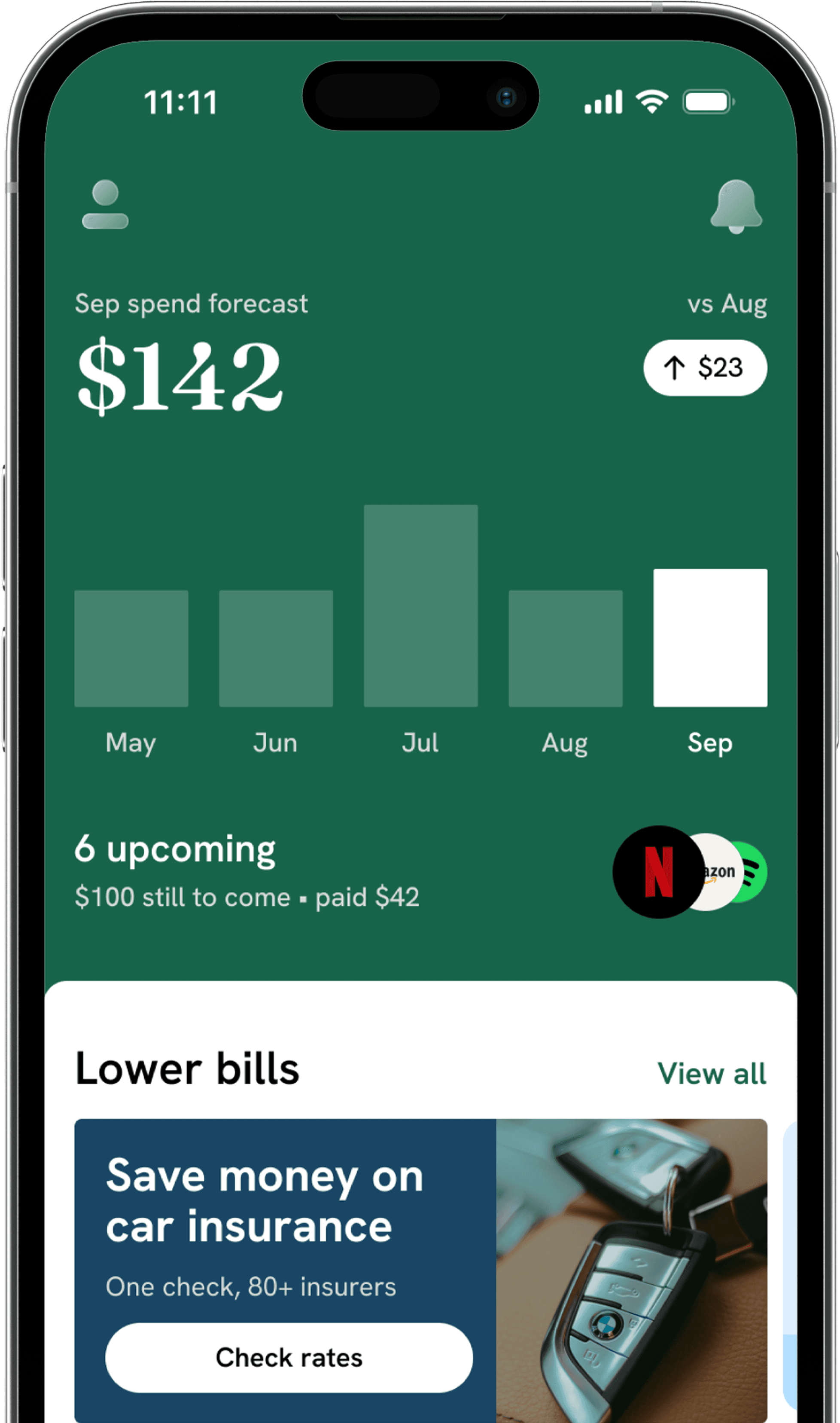
An estimate of what you can still spend after everything committed.

FAQ

Your questions answered

FAQ

Your questions answered

FAQ

Your questions answered

What is PennyGuard?

PennyGuard is an AI assistant for your wallet. Once you connect a card, it reads each transaction, shows the cashback or perk your card already offers on it and points out what's pulling from your account. When you're ready, and only after you confirm, it can cancel a subscription, claim a refund or help get a bill lowered.

Do I have to connect my bank account?

Connecting your bank is how PennyGuard finds things for you, so we do recommend it. The connection is read-only through Plaid: we can see your transactions, but we can't move money and we never see your bank login. If you'd rather not connect your bank, you can add a card number instead. It's held by a certified payment provider, not by us.

Does it work with my bank?

If your bank is supported by Plaid, then yes, and Plaid covers most US banks. You'll see whether yours is supported during setup, before anything is connected. If you have any questions about your bank, our support team is happy to help.

Who pays cashback, and when?

Cashback and perks are paid by your bank or card network, on their terms rather than ours. PennyGuard shows you which benefits your card offers on a purchase and which conditions apply, so you don't miss them. We don't pay cashback ourselves.

Can PennyGuard cancel a subscription for me?

Yes, for the services we support. That's over 1,000 of the largest US billers, plus Apple and Google, and for them we prepare and send the cancellation for you once you confirm. Some companies only accept a cancellation from you directly, and in that case we give you the exact steps to follow. The app tells you which applies before you start, so there are no surprises.

Is PennyGuard safe to use?

We take your security seriously. PennyGuard can read your transactions and nothing else: we can't move your money, and we never see your bank login. Nothing happens on your behalf until you confirm it, and our Security page explains the details.

What does it cost?

PennyGuard is a paid membership. You'll see the exact price and billing period before anything is charged, so you can decide with all the details in front of you. You can cancel in the app whenever you like.

Get your own wallet assistant

Leave your email and we'll tell you the day PennyGuard opens.

By submitting your email, you agree to our Terms and Privacy Policy.

icon
icon
icon
icon
icon
icon

Get your own wallet assistant

Leave your email and we'll tell you the day PennyGuard opens.

By submitting your email, you agree to our Terms and Privacy Policy.

Get your own wallet assistant

Leave your email and we'll tell you the day PennyGuard opens.

By submitting your email, you agree to our Terms and Privacy Policy.

icon
icon
icon
icon
icon
icon